Digital Signature Explained: How It Protects Documents, Software & Online Communication
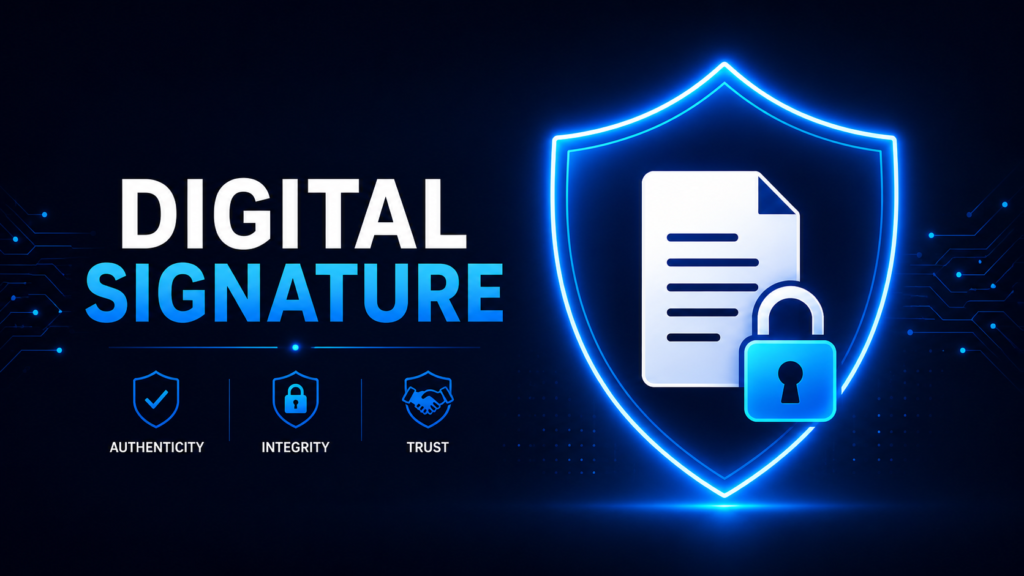
Every day, millions of documents, software updates, contracts, invoices, and emails are exchanged over the internet. But one important question remains: How can we verify that a document really came from the original sender and wasn’t modified during transmission? This is exactly the problem that Digital Signature solves. A Digital Signature is one of the most important technologies in modern cybersecurity. It ensures that data is authentic, untampered, and genuinely sent by the claimed sender. Whether you install a Windows update, download software, sign a PDF, or receive an online contract, Digital Signatures work behind the scenes to establish trust. What is a Digital Signature? A Digital Signature is a cryptographic mechanism used to verify the authenticity and integrity of digital data. It provides three important security properties: Unlike a handwritten signature, a Digital Signature is generated using advanced cryptographic algorithms and is mathematically linked to the document. Why Do We Need Digital Signatures? Imagine a company sends a confidential PDF to its client. During transmission, an attacker intercepts the file and changes the payment details. Without Digital Signatures, the receiver has no reliable way to determine whether the document has been modified. Digital Signatures solve this problem by allowing the receiver to verify both the sender’s identity and the integrity of the document. How Digital Signatures Work Step 1: Create the Original Document The sender creates a document such as a PDF, software package, contract, or email. Step 2: Generate a Hash Instead of signing the entire document, the system first generates a cryptographic hash. A hash is a fixed-length fingerprint generated from the document. Even changing a single character in the document produces a completely different hash. Example: Original File ↓ SHA-256 ↓ 8d7f1c4a9b2e6… Step 3: Sign the Hash Using the Private Key The sender encrypts the generated hash using their Private Key. This encrypted hash becomes the Digital Signature. Important: Step 4: Send the Document The sender transmits: Step 5: Receiver Generates a New Hash After receiving the document, the receiver generates another hash using the same hashing algorithm. Step 6: Verify the Signature The receiver uses the sender’s Public Key to decrypt and verify the Digital Signature. This produces the original hash generated by the sender. Step 7: Compare Both Hashes Now two hashes exist: If both hashes are identical: If they do not match: Understanding Hashing Hashing is a one-way mathematical process that converts any input into a fixed-length output. Popular hashing algorithms include: A good hash function has several important properties: Public Key Cryptography Digital Signatures rely on Asymmetric Cryptography. Each user owns two keys: Private Key Public Key Digital Signature vs Encryption Digital Signature Encryption Provides Authentication Provides Confidentiality Ensures Integrity Keeps Data Secret Uses Private Key to Sign Uses Public Key to Encrypt Verified Using Public Key Decrypted Using Private Key Real-World Applications Example: Software Updates When you download software from a trusted company, the installer contains a Digital Signature. Before installation, your operating system verifies the signature. If verification succeeds: If verification fails: Advantages of Digital Signatures Limitations Best Practices Conclusion Digital Signatures are one of the foundational technologies that make the modern internet trustworthy. They combine hashing with public-key cryptography to ensure authentication, integrity, and non-repudiation. From software updates and signed PDFs to secure email communication and digital certificates, Digital Signatures play a critical role in protecting digital information against tampering and impersonation. Understanding how Digital Signatures work is essential for developers, cybersecurity professionals, system administrators, and anyone building secure digital systems.